
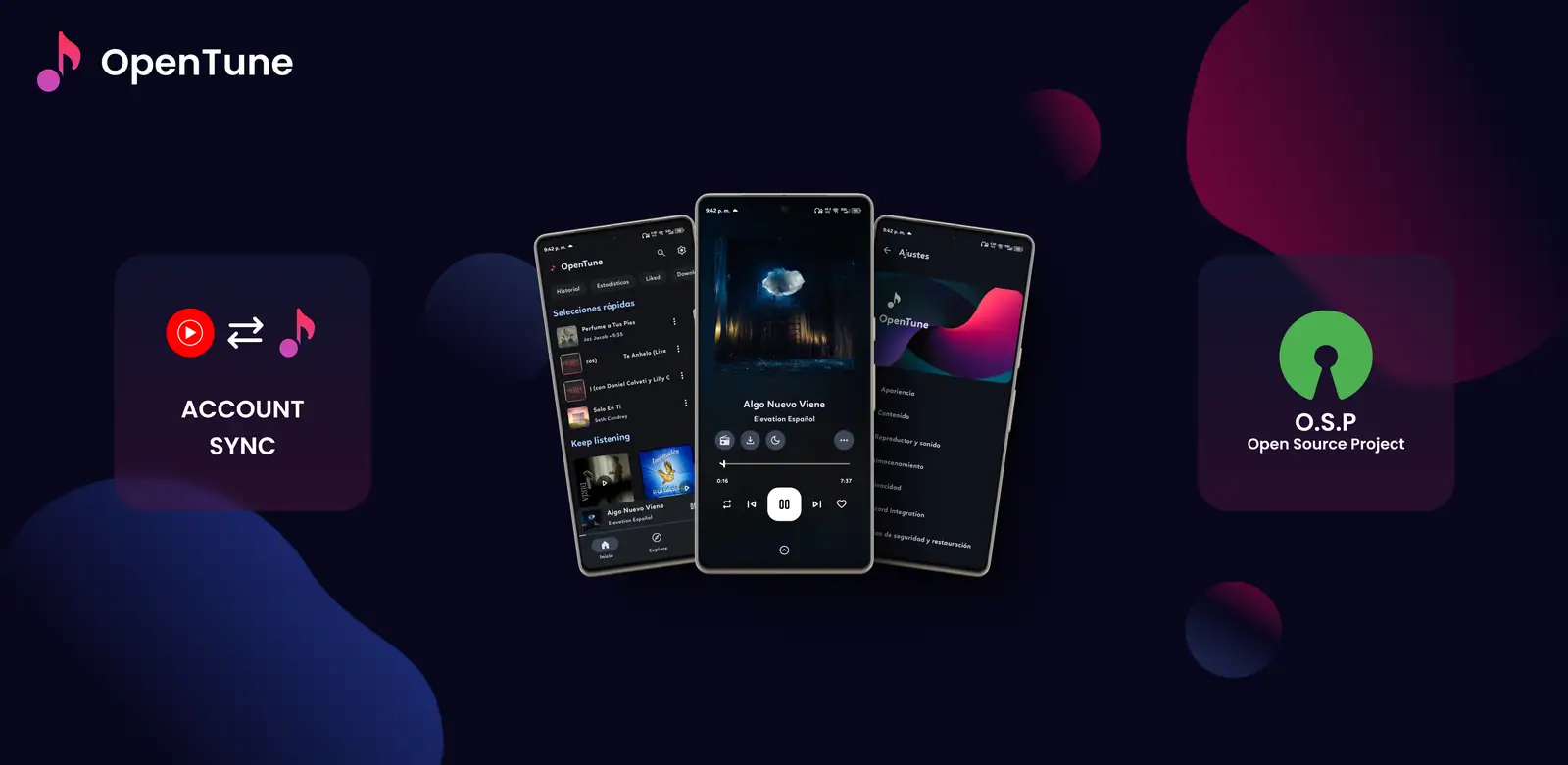
What are the main OpenTune features?
OpenTune brings several music tasks into one Android interface: find a song, open an album or artist, start playback, save useful items and return to them from the library. The emphasis is on a music-first client rather than a general video catalog. Search and metadata still depend on the connected service, so an item can be visible in one release or region and unavailable in another.
- Search for songs, albums, artists, videos and playlists.
- Start playback from search, library, history or a playlist.
- Keep liked, downloaded, cached and frequently used content together.
- Adjust playback and appearance without changing the APK package.
- Review the upstream source and release notes when behavior changes.
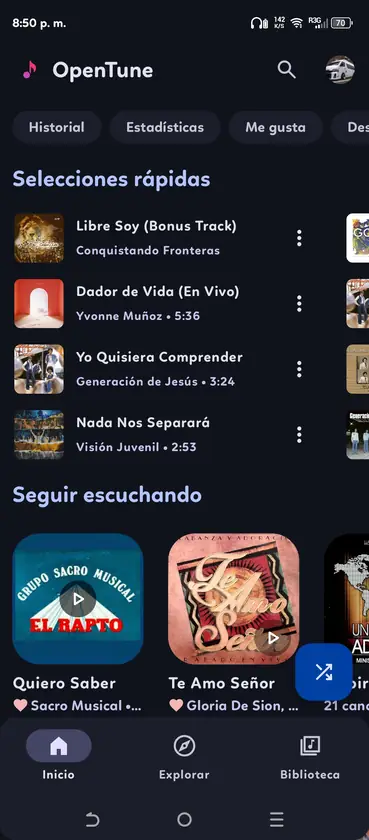
Player controls and background playback
The OpenTune player is the center of the listening workflow. It exposes artwork, progress, play and pause, previous and next track controls, repeat or shuffle actions, queue access and additional actions such as download when the current item supports them. The exact arrangement can change with the selected player style, but the goal is to keep common controls reachable without leaving the current track.
Background playback continues audio through Android media controls when you leave OpenTune. Battery restrictions, Bluetooth routing and upstream errors can still interrupt a session, so check Android notification controls before assuming the app has stopped.
- Use the queue to inspect what will play next.
- Start radio or related playback when the online item exposes that action.
- Control playback from Android media surfaces while another app is open.
- Test system volume and the selected audio device before changing app data.
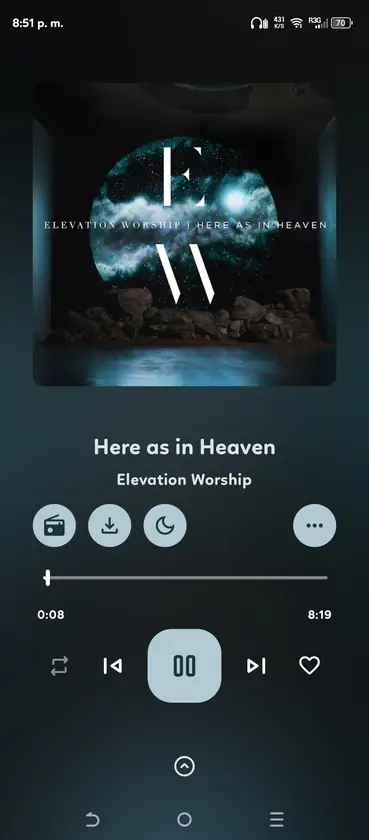
Synced lyrics and audio controls
OpenTune can show time-synced lyrics when lyric data is available for the selected track. Lyrics are provider data, not something that can be assumed from the audio file alone. If a song has no lyric source, displays the wrong language or falls behind the audio, changing the player state will not create missing metadata; try another track or check the current release notes.
Documented audio controls include volume normalization, silence skipping, tempo adjustment and pitch control. Change one setting at a time when testing, since processing can feel different on older phones.
- Lyrics depend on available track metadata and service responses.
- Normalization can make different tracks feel more consistent in volume.
- Silence skipping changes the natural timing of quiet sections.
- Tempo and pitch are playback adjustments, not new audio files.
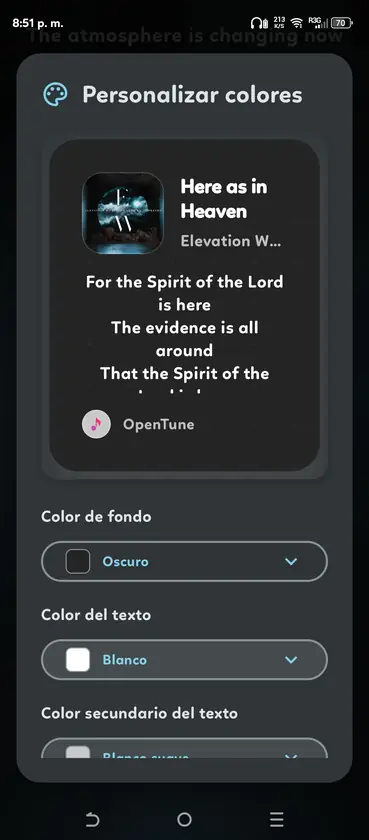
Offline listening versus local music
Offline listening usually refers to content saved through OpenTune's supported download or cache workflow so it can be played without an active connection. Storage location, format and provider rules matter. An item may remain visible in the library while its offline copy is incomplete, removed or no longer playable after a service change, so confirm a downloaded track before relying on it for travel.
Local music is a different path: it starts with an audio file already stored on the Android device. The local-music workflow depends on Android media access, selected folders and supported formats. It does not mean that a file is uploaded to a provider or automatically receives online lyrics, radio and artist actions. Use the dedicated local music guide when a file is missing from the library.
If a download fails, check free space and the network. If a local song is missing, check folder permission and scan state before clearing app data.
- Downloaded or cached content uses app and provider rules.
- Local files remain on the device and use Android media access.
- Online metadata actions may not exist for a local content URI.
- Back up important local files before uninstalling or resetting the app.
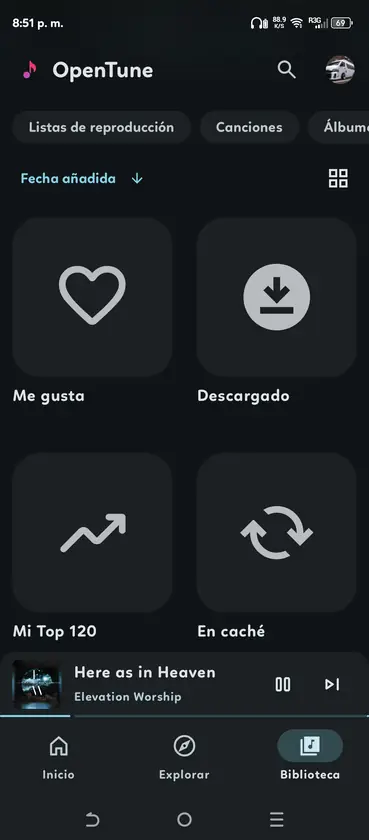
Search, library and playlist organization
Discovery and organization work together. Search is the fastest route to a new track, while history and the library reduce repeated searching for music you already chose. Playlists, liked items, albums and artists give you different ways to return to a collection. The best structure depends on whether you listen by album, mood, artist or a short queue for the next session.
If a library view is empty, check account state, network access, filters and whether the item is online or local. A new installation may need time to load metadata; avoid uninstalling first, because resetting can remove local settings or downloaded data.
| Area | Useful for | Remember |
|---|---|---|
| Search | Finding new songs, albums and artists | Results depend on the connected service |
| History | Returning to recently played items | It is not the same as a downloaded copy |
| Liked music | Keeping a personal shortlist | Sync and account state can affect visibility |
| Playlists | Grouping music for a mood or activity | Online and local content may behave differently |
Appearance options, widgets and Android Auto
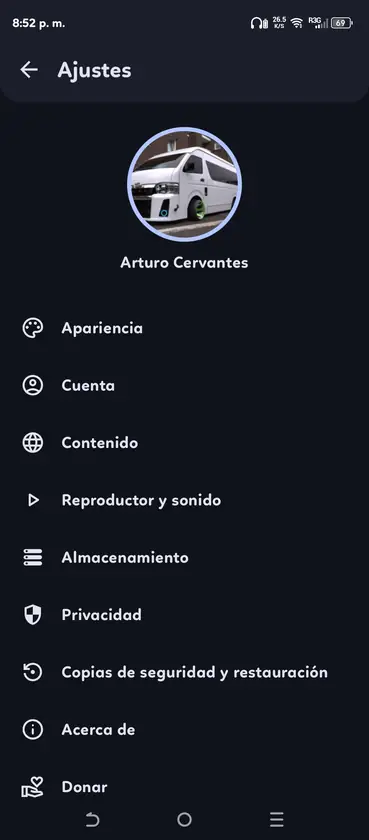
OpenTune uses Jetpack Compose and Material Design 3 patterns, with player layouts, artwork treatments and appearance settings that can make long listening sessions easier to read. A dark or light choice is a preference, not a performance guarantee. If a theme appears wrong after an update, test the default appearance first and then reapply one custom setting at a time.
Android Auto extends playback to compatible vehicle displays, but support depends on the phone, car, Android Auto environment and app build. A sideloaded app may work on the phone yet remain hidden from the car launcher.
- Player appearance can be changed without creating a different APK.
- A home-screen widget can expose basic playback and track information.
- Android Auto behavior depends on device and vehicle compatibility.
- Emulators do not reproduce Android Auto use in a meaningful way.
What the OpenTune source can and cannot promise
OpenTune is an independent open-source Android project released under GPL-3.0. The source repository is the right place to inspect implementation changes, issues and release notes. It is not a statement that the application is made by YouTube or Google, and this site does not turn an independent project into an official Google distribution channel.
The repository can explain feature changes, but it cannot guarantee every service response or hardware combination. Keep the release page, package name and version with the installed APK.
- Use the official repository for code, issues and release activity.
- Treat feature behavior as release-dependent when the project integrates online services.
- Do not call an unrelated EXE, IPA or modified APK an official OpenTune build.
- Use the GitHub release and checksum details when verifying a download.
How to check OpenTune features on your device
After installation, verify the features that matter in a repeatable order before importing a large library or changing advanced audio settings. If a step fails, record the Android version, OpenTune version, network state and test item before opening an issue.
- Test discovery
Search for a known song and open its album or artist page.
- Test the player
Play, pause, seek, change tracks and open the queue from the player.
- Test background audio
Leave the app, use Android media controls and check the intended output device.
- Test library and offline use
Save a small item, confirm it appears in the expected library area and check storage.
- Test optional integrations
Only after the basics work, try lyrics, appearance settings, widgets or Android Auto.
Official sources
- OpenTune official website - Project overview and documented capabilities.
- OpenTune GitHub repository - Source code, issues and release context.
- OpenTune GitHub releases - Current release assets and version-specific notes.
OpenTune features FAQ
What is OpenTune mainly used for?
OpenTune is an independent Android music client for search, playback, library organization and listening controls, not an official YouTube or Google app.
Does OpenTune support background playback?
Yes, but Android battery rules, audio routing, emulator behavior and upstream playback can still interrupt background listening.
Can OpenTune show synchronized lyrics?
It can when lyric data exists for the selected track. Missing or delayed lyrics usually reflect metadata or service availability.
Can I listen to music offline in OpenTune?
Supported downloads or cached items may work offline under provider and storage rules. Local Android files follow a separate workflow.
Does OpenTune work with Android Auto?
The project documents support for compatible phones, vehicles and builds, but sideloading does not guarantee visibility or correct behavior in every car.
Where can I verify the OpenTune feature list?
Check the official website, GitHub source and the release notes for the installed version because features can change.