
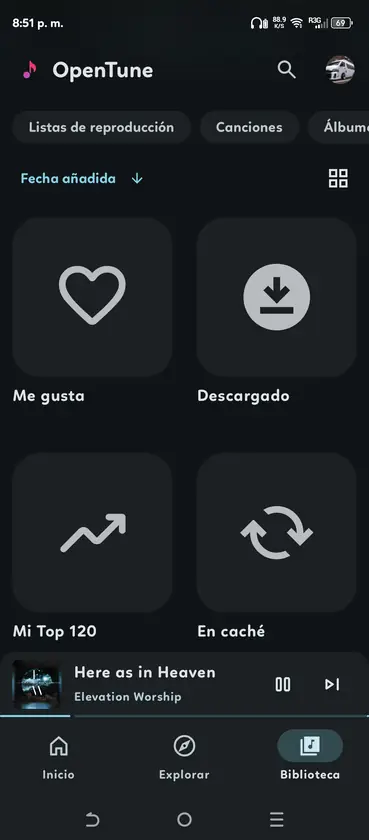
What OpenTune 3.0.6 adds for local music
The 3.0.6 release adds on-device audio support alongside the existing online music experience. OpenTune can discover audio exposed through Android MediaStore, read common metadata, store an indexed representation in its local database and open the file through a content URI. That means the player can use music already on your phone instead of resolving every track through YouTube Music.
The feature is useful when you keep MP3, FLAC, OGG or WAV files on the phone, when an internet connection is unreliable or when you want one library for online and personal audio. It is still a device feature, not a cloud backup service: moving or deleting a file can change whether OpenTune can play it later.
- Scan audio files that Android exposes through MediaStore
- Read metadata and group local songs in the library
- Play local content directly from a content:// URI
- Open a supported file from a file manager with Android sharing actions
- Keep selected local folders in a persistent filter
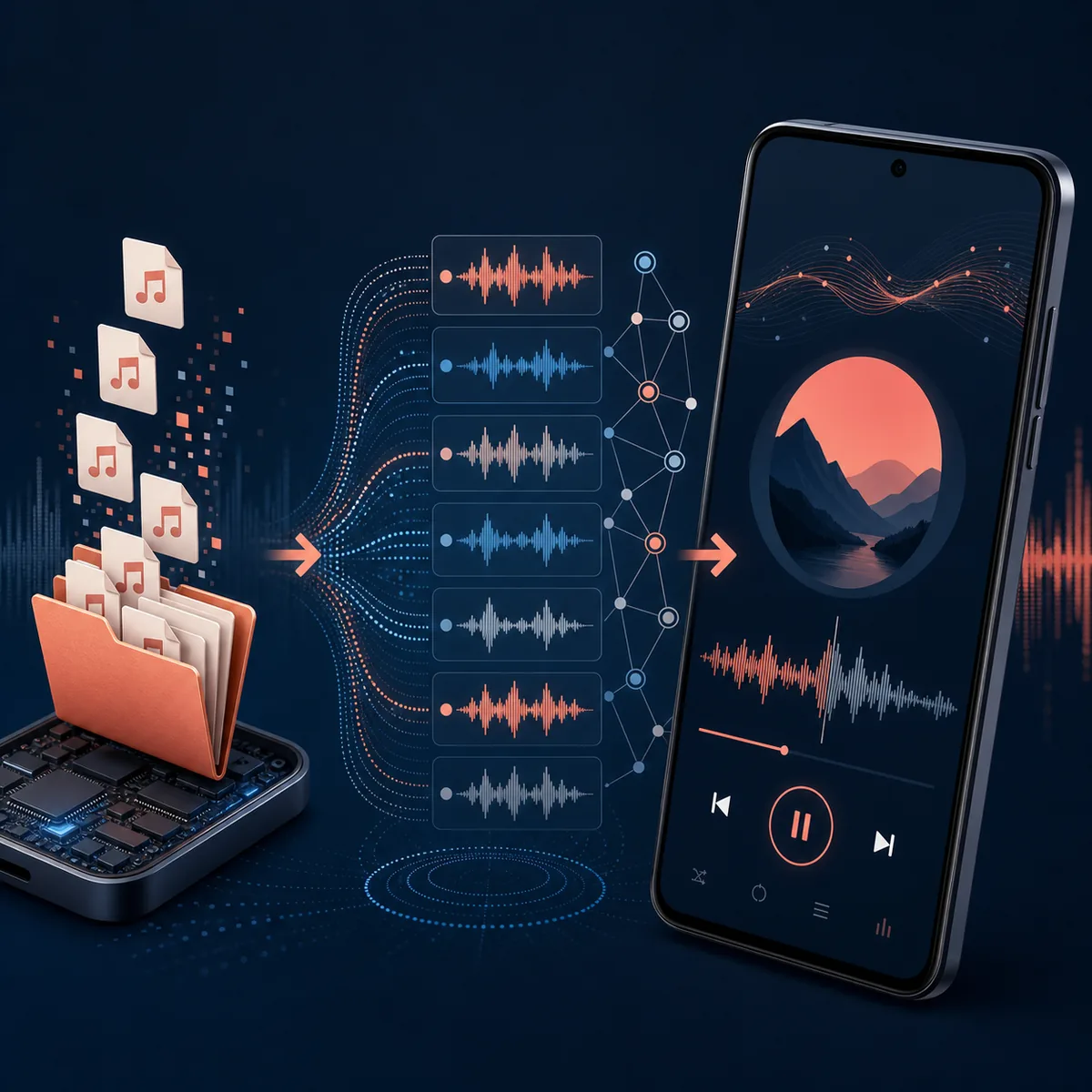
Permissions and the first local-music scan
OpenTune needs Android media access to see audio that the operating system makes available. The exact permission prompt depends on the Android version, the device manufacturer and whether the app was installed fresh or updated. A permission does not grant OpenTune access to files that Android itself hides, files inside another app's private storage or a removed SD card.
After updating to 3.0.6, open the library or on-device music area and let the first scan finish before changing folders. A large collection can take longer because the app reads metadata and artwork. If the library is empty, confirm that a file manager can see the same audio, check the media permission in Android settings and rescan after copying one known-good file into a normal Music folder.
- Grant media access only when Android shows the request
- Keep the phone awake during the first large scan
- Test one MP3 or FLAC file before importing a whole drive
- Avoid clearing app data while diagnosing a missing library
- Recheck permission after an Android system upgrade
- Update from the official 3.0.6 release
Use the verified GitHub APK and keep the existing app installed when Android accepts the package signature.
- Allow the requested media permission
Use Android's system prompt or the app permission screen; do not enable unrelated access just to make a scan work.
- Place a test track in a visible folder
A normal Music or Download folder makes it easier to compare what Android and OpenTune can see.
- Run the first scan and verify playback
Check the title, artist, artwork, play button and seek controls before adding more folders.
| Symptom | First check | Avoid |
|---|---|---|
| No local songs | Media permission, visible folder and rescan | Granting every storage permission blindly |
| Wrong artwork | Embedded tags and file metadata | Assuming the online provider can refresh local tags |
| Scan is slow | Collection size and device storage speed | Clearing app data before the scan completes |
| Track disappeared | File path, SD card and Android MediaStore | Treating a moved file as an app database failure |
Folder filters and the on-device library
A large phone can contain ringtones, podcasts, voice recordings and downloaded files that you do not want mixed with music. OpenTune 3.0.6 adds folder selection so you can keep the on-device library focused. Choose the folders that should be included, let the scan finish and then review the result instead of assuming every audio file belongs in the music view.
The filter is a practical organization tool, not a security boundary. Android still controls file visibility, and a folder selection can become stale when you rename, move or remove directories. Revisit the filter after a storage migration, SD-card change or backup restore.
- Include Music or another folder you control
- Exclude ringtones, recordings and temporary download folders when needed
- Rescan after moving a collection to a new path
- Use a small folder first when checking artwork and sort order
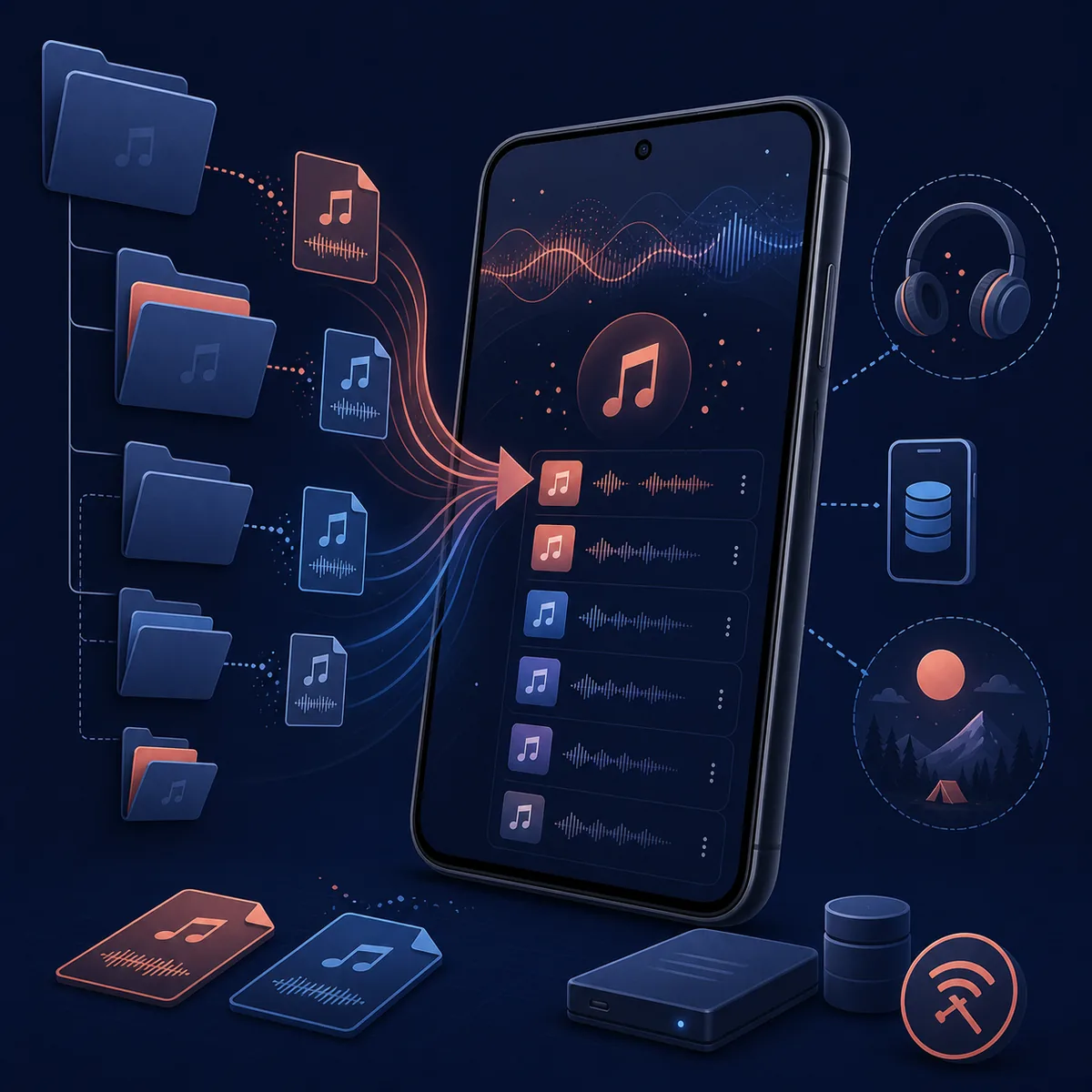
Playback, favorites and offline limits
Local playback is the strongest part of this feature. Once a file is indexed, OpenTune can send its content URI to the player instead of resolving a YouTube video. You can test play, pause, seek, next and background playback without using the online provider for that file. Device audio output, Bluetooth behavior and battery restrictions still belong to Android and can vary by manufacturer.
Local content also has deliberate boundaries. A local song does not automatically gain YouTube Music lyrics, an artist page, a public share URL or a provider-side radio queue. If one action is missing, that can be a content-type distinction rather than a broken install. Keep the original file and its tags if you want to move the library between phones.
- Test background playback with the screen locked
- Check one local file through Bluetooth or Android Auto only after phone playback works
- Expect provider-only actions to be hidden for content:// tracks
- Back up the original audio files outside the app
- Use downloaded online music and local files as separate storage cases
| Capability | Local file | Online music item |
|---|---|---|
| Play and seek | Expected when the format is supported | Depends on provider playback |
| Lyrics or artist page | Not guaranteed from local tags | May use provider metadata |
| Offline use | Uses the file already on the device | Requires the app's download/cache path |
| Share or start radio | Often unavailable for content:// files | May be available when a provider URL exists |
Updating from 3.0.5 and fixing common problems
OpenTune 3.0.6 changes the database and adds local-media components, so read the official release notes before updating a working installation. Android normally installs the newer APK over the existing package when the application ID and signing key match. If the installer reports a signature conflict, stop and verify the source instead of uninstalling immediately; removing the old app can remove local app data.
For a missing song, work from the outside in: confirm the file still exists, check that Android's file manager can open it, verify media permission, review the selected folders and run a fresh scan. For a playback error, test another short MP3 or FLAC. If one file fails while others work, inspect its encoding or damaged metadata before clearing the entire library.
- Download only from the official 3.0.6 GitHub release
- Back up important local files before changing versions
- Do not uninstall first when Android reports a signature mismatch
- Test a second file before clearing cache or application data
- Keep the release URL and checksum with the APK you install
- Check the current version
The current stable release is 3.0.6, published August 2, 2026, with a 28,077,468-byte universal APK.
- Update in place when the signature matches
Install over the existing package and open the library after the migration finishes.
- Recheck folders and permissions
A database upgrade can preserve files while Android still requires a current media permission.
- Report a reproducible issue
Record Android version, file format, storage path, app version and the exact failure before opening an upstream issue.
Official sources
- OpenTune 3.0.6 release notes - Release notes for local scanning, folder filters, in-app updates and library changes.
- OpenTune 3.0.6 build configuration - Official package, minSdk and versionCode/versionName values.
- Android media storage guidance - Android documentation for shared media and MediaStore behavior.
OpenTune local music FAQ
Can OpenTune 3.0.6 play music stored on my Android phone?
Yes. Version 3.0.6 adds on-device local-music scanning and playback for supported audio files that Android exposes through MediaStore.
Does OpenTune upload local songs to YouTube Music?
No. The local workflow reads files from the device and plays them through content URIs. It is not a cloud upload or YouTube Music synchronization feature.
Why is a local file missing from the OpenTune library?
Check that the file still exists, Android can see it, media permission is granted, the folder is selected and the scan has completed. A private app folder or unsupported format may not be indexed.
Can I filter which folders OpenTune scans?
Yes. OpenTune 3.0.6 adds persistent folder selection so you can include a music directory and exclude recordings, ringtones or temporary folders.
Do local OpenTune songs have lyrics, radio and artist pages?
Not necessarily. Those actions depend on online provider metadata and may be hidden for local content:// files. Local playback and online playback are different content types.
Is it safe to update from OpenTune 3.0.5 to 3.0.6?
Use the official signed GitHub APK, back up important local files and install in place when Android accepts the package signature. Do not uninstall first if Android reports a signature conflict.