
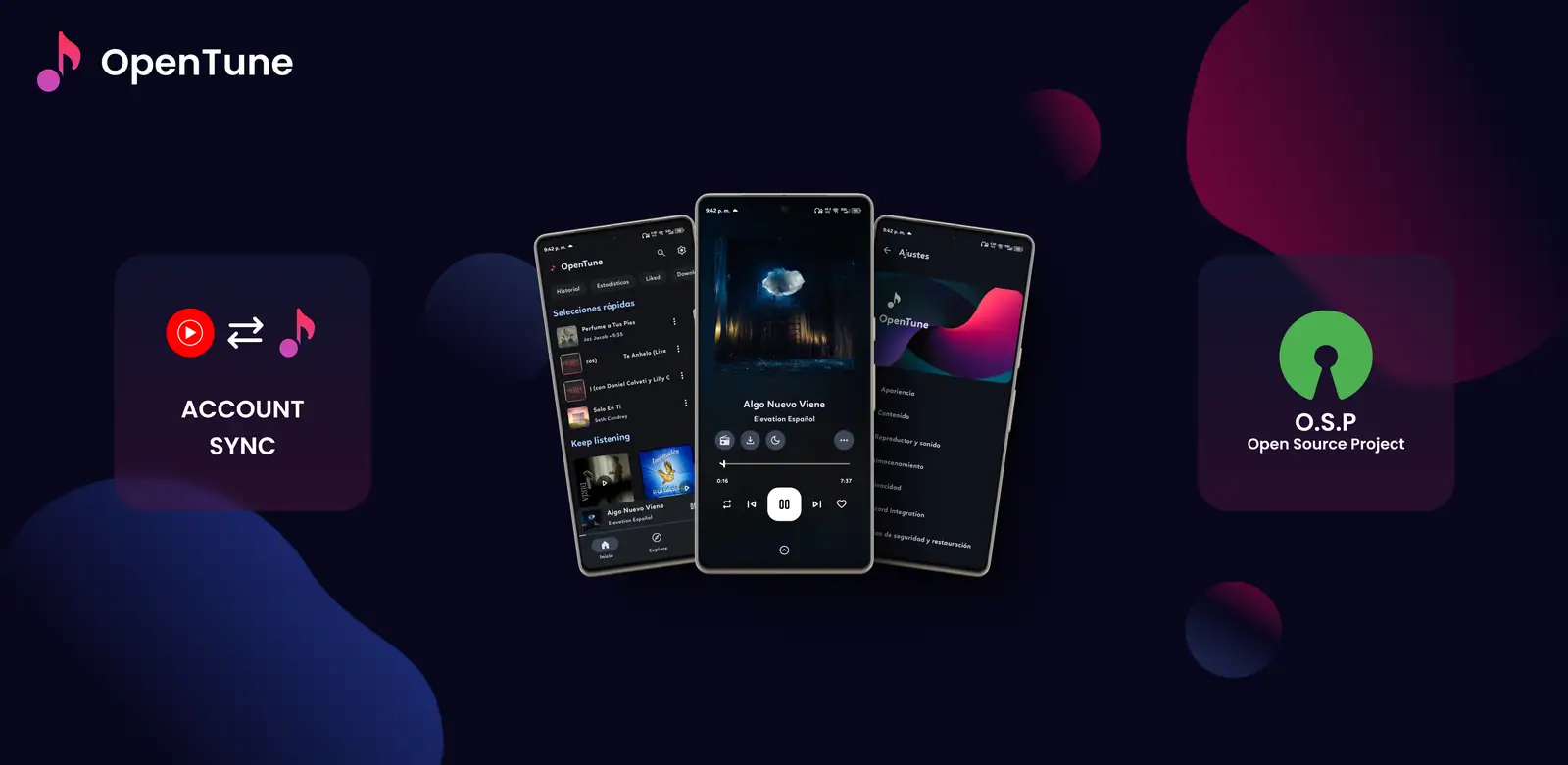
What OpenTune supports
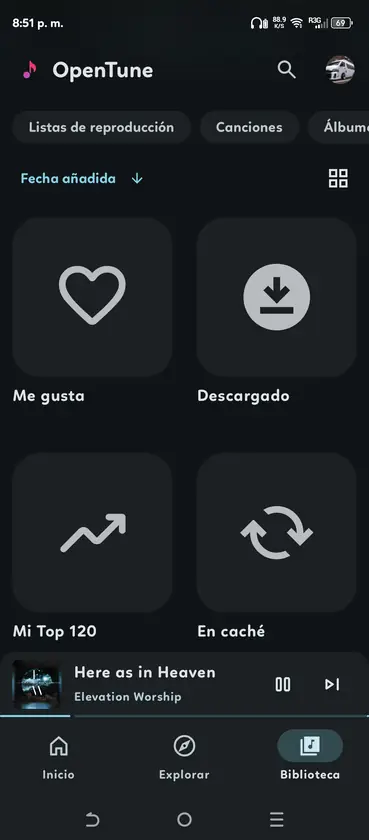
The official source declares OpenTune as an automotive media app and exposes a media library service. Its settings can show history, liked songs, downloaded music and YouTube playlists, with sorting and an item limit. This is real media integration, not screen mirroring.
- Playback controls and browsable music library
- History, liked songs, downloads and playlist toggles
- Song, album and artist sorting
- Simplified mode and configurable item limit
Set up OpenTune for Android Auto
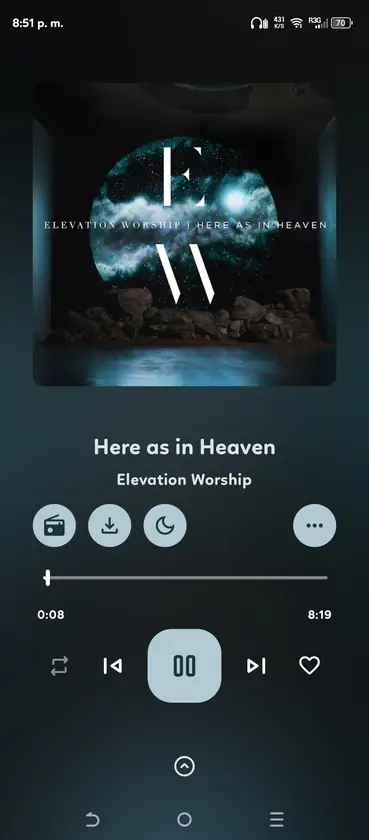
Update to the verified 3.0.6 release, open OpenTune on the phone and find its Android Auto settings. Enable the integration, choose only the library sections you need and start with a moderate item limit. Connect by USB or wireless Android Auto and open the launcher.
- Install from the official Arturo254/OpenTune release
- Grant notification and Bluetooth permissions when Android requests them
- Enable Android Auto and simplified mode in OpenTune
- Test with a saved or downloaded track before a long drive
- Install from the official Arturo254/OpenTune release
- Grant notification and Bluetooth permissions when Android requests them
- Enable Android Auto and simplified mode in OpenTune
- Test with a saved or downloaded track before a long drive
If OpenTune does not appear
A sideloaded app can be hidden even when its media service is valid. Open Android Auto settings on the phone, enable developer mode, open developer settings and allow unknown sources only if you understand the risk. Reconnect after changing the setting. Some car units cache the launcher, so restarting the phone and head unit can be necessary.
- Confirm OpenTune opens normally on the phone
- Check Android Auto launcher customization
- Allow unknown sources only for the sideloaded build
- Disable battery restrictions for reliable background playback
Fix playback, blank library or disconnects
First separate an Android Auto problem from an OpenTune provider problem: play the same track on the phone. If phone playback also fails, reconnect the network, try a downloaded item, clear only temporary cache and review the official issue tracker. If the phone works but the car does not, reconnect the cable, review Bluetooth audio routing and reduce the Android Auto item limit.
- Try another data-capable USB cable
- Keep OpenTune allowed to run in the background
- Use downloaded music to test network-independent playback
- Avoid clearing app data unless you have backed up your library
Driving and privacy limits
Finish setup before driving. Android Auto intentionally limits browsing and text-heavy controls. Voice actions, available categories and artwork can vary by phone, Android Auto version and vehicle. OpenTune is an independent open-source client and is not affiliated with Google or YouTube.
- Do not troubleshoot menus while the vehicle is moving
- Use steering-wheel or voice controls when available
- Expect upstream service changes to affect streaming
- Report reproducible bugs with phone, car and app version details
Official sources
- OpenTune Android Auto declaration - Declares the app as automotive media.
- OpenTune Android Auto settings - Shows the available library, sorting and performance controls.
- Android Auto developer settings - Official Android guidance for testing and developer mode.
FAQ
Does OpenTune officially support Android Auto?
The official repository includes an automotive media declaration, MediaLibraryService and dedicated Android Auto settings. Support can still vary by phone and car.
Why is OpenTune missing from the launcher?
Check the OpenTune Android Auto toggle and launcher customization. Sideloaded apps may also require Android Auto developer settings to allow unknown sources.
Can downloaded songs play in the car?
OpenTune exposes a downloaded section when enabled. Test a downloaded track on the phone first, then reconnect Android Auto.
Why does playback stop after the screen turns off?
Remove restrictive battery optimization for OpenTune and confirm notification, Bluetooth and background playback permissions.
Is it safe to change settings while driving?
No. Configure the phone while parked and use the simplified car interface, steering-wheel controls or voice actions while driving.