
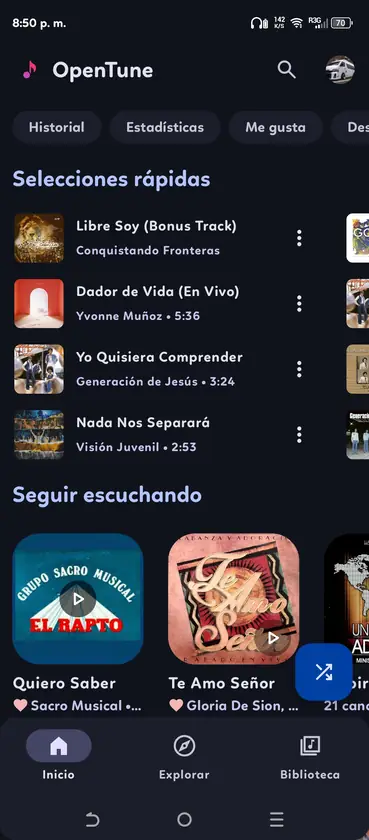
OpenTune GitHub, Source Code and Releases
The official OpenTune GitHub repository is owned by Arturo254 and is named OpenTune. It contains the Android source code, issue history, license and tagged Releases. Check the owner and repository path before treating an APK or fork as an upstream file.
Repository names can be copied by forks or unrelated accounts. A fork can be useful for development, but it is not automatically the upstream release source. Check the owner, release tag, commit history and linked website before downloading a binary.
- Canonical repository: Arturo254/OpenTune.
- Official website link: opentune.netlify.app.
- Current Android application ID: com.Arturo254.opentune.
- License file: GPL-3.0.
- Release assets: attached under the repository's Releases section.
GitHub Releases and APK selection
GitHub Releases combine a version tag, publication date, release notes and downloadable assets. For OpenTune 3.x, the stable universal asset is normally named app-universal-release.apk. Earlier releases use different names, which is why this site reads the actual asset list rather than guessing a filename.
The homepage uses a build-time verified snapshot and a browser-side refresh. It rejects draft and prerelease entries for the main button, selects an APK asset and requires the download URL to remain under github.com/Arturo254/OpenTune/releases/download. If the API is unavailable, the page keeps the last verified facts and labels the check date.
| GitHub field | How this site uses it | Reason |
|---|---|---|
| tag_name | Displays the stable version | Avoids stale hardcoded labels |
| draft / prerelease | Excluded from the default download | Keeps beta builds separate |
| assets | Finds a valid APK instead of assets[0] | Avoids source archives and wrong files |
| browser_download_url | Validated against the repository path | Prevents unrelated download hosts |
| digest | Displays SHA-256 when available | Supports byte-level file comparison |
| published_at | Shows release date and freshness | Makes version facts auditable |
What the GPL-3.0 license means here
OpenTune's source is distributed under the GNU General Public License version 3. The license permits studying, modifying and redistributing the software under its terms, including source-code obligations for distributed modified versions. It does not turn every third-party APK into an official OpenTune release.
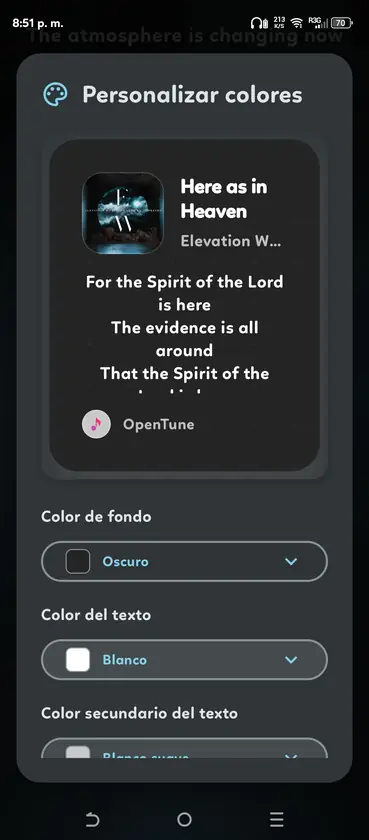
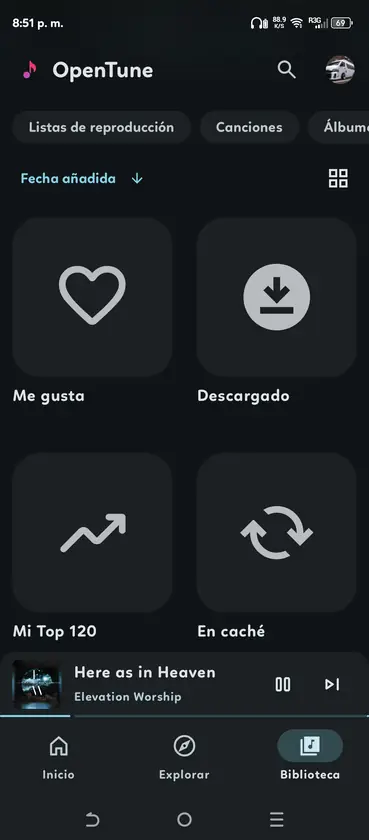
A download site should preserve the project name, source link and license information without implying developer affiliation. This site does not claim ownership of OpenTune, its screenshots or its source code. Official media is used to identify the application and explain installation and release choices.
- Source availability does not remove the need to verify binaries.
- Modified builds should disclose their changes and source obligations.
- The OpenTune name does not prove a file came from the upstream developer.
- YouTube and Google do not endorse the independent client.
Use GitHub to verify an OpenTune APK
Start at the release tag, not at a search-engine download button. Expand the Assets list and choose the APK. Compare the asset filename and size with the page that referred you there. When GitHub provides a sha256 digest, calculate the same hash locally after the download.
A matching SHA-256 means the file bytes match the published asset digest. It does not prove the application is risk-free or that every network request has been independently audited. Source review, issue history, release activity and device permissions provide additional context.
- Confirm owner and repository
The URL must start with github.com/Arturo254/OpenTune.
- Confirm a stable tag
Avoid draft or prerelease builds unless you intentionally want a test version.
- Choose the APK asset
Do not download the automatic Source code archives when your goal is installation.
- Compare the digest
Calculate SHA-256 locally and compare every character with the GitHub asset digest.
- Keep the release URL
Record the source page with the file so you can audit it later.
Issues, updates and contribution signals
The issue tracker helps distinguish a device-specific problem from a known release regression or upstream service change. Search existing issues by version, Android release and visible error before opening a new report. Include reproducible steps without publishing account credentials, private playlists or tokens.
Commit and release activity can indicate whether compatibility fixes are being worked on, but activity alone is not a safety guarantee. Read the actual release notes and changed files when a feature matters to you. Translation, documentation and code contributions should follow the repository's current contribution instructions.
- Search open and closed issues before clearing application data.
- Report the exact OpenTune version and Android version.
- Remove personal data from screenshots and logs.
- Use Discussions, documentation or community channels for general questions when directed.
- Do not ask unrelated APK sites to diagnose an upstream source issue.
Building OpenTune from source
Advanced users can clone the repository and build the Android project with the toolchain documented upstream. A local build is useful for code review or development, but it will not necessarily have the same signing certificate as the official Release APK. Android may therefore refuse to install it as an update over the official package.
Use the tagged source that matches the version you are reviewing, initialize any required submodules and inspect Gradle configuration before building. Keep debug and release variants separate. Never distribute a modified APK as official OpenTune without clear naming, source disclosure and license compliance.
| Build choice | Use case | Caution |
|---|---|---|
| Official Release APK | Normal installation and updates | Verify GitHub asset and digest |
| Local debug build | Development and testing | Different application suffix or signing identity |
| Local release build | Controlled internal use | Must manage signing and GPL obligations |
| Third-party fork build | Testing disclosed modifications | Not an upstream OpenTune release |
Official OpenTune links
- Arturo254/OpenTune - Canonical source repository.
- OpenTune Releases - Stable APK assets and version notes.
- OpenTune GPL-3.0 license - Repository license terms.
- OpenTune issues - Bug reports and known problems.
OpenTune GitHub FAQ
What is the official OpenTune GitHub URL?
The canonical repository is https://github.com/Arturo254/OpenTune. Check that the owner is Arturo254 before using source code or release assets.
Where can I find the OpenTune source code and repository?
Open the Code tab in the Arturo254/OpenTune repository. Use the tag or commit that matches the release you are reviewing, and read the repository license and build instructions.
Why download the APK instead of GitHub Source code ZIP?
The APK is the Android installation package. GitHub's automatic ZIP and TAR archives contain source files and are not directly installable.
What does the OpenTune GitHub SHA-256 digest verify?
It verifies that the downloaded bytes match the published asset digest. It is not a complete security audit of application behavior.
Can I build OpenTune from source or use a fork?
Yes, subject to the repository toolchain and GPL-3.0 terms. A self-built package or fork can use a different signing identity and is not automatically an official OpenTune release.