
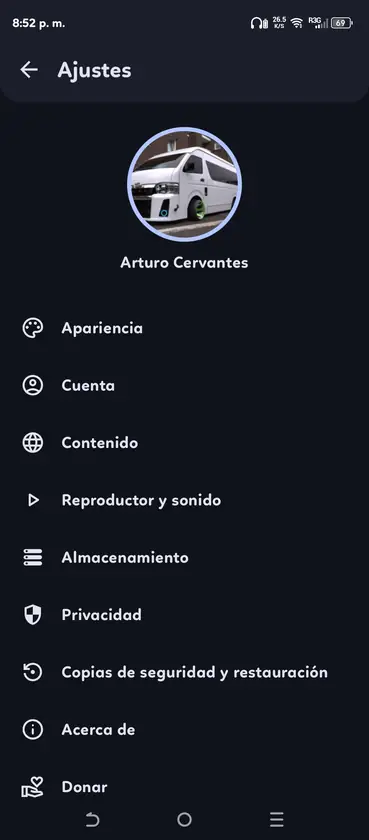
OpenTune APK installation requirements
OpenTune uses the standard Android APK install flow, but the source and package still need checking. The 3.0.6 source tag sets minSdk 26, which corresponds to Android 8.0. Leave room for the 26.78 MiB package, its database, artwork cache and future updates.
Android labels sideloading settings differently by manufacturer. Modern Android versions grant the permission per source application. For example, you may allow your browser or Files app to install this one package without enabling every unknown source on the device.
- Android 8.0 or later.
- At least 100 MiB free for installation and initial cache, with more space for offline content.
- A current browser or file manager capable of opening APK files.
- Internet access for GitHub download and online music playback.
- A backup plan before updating or troubleshooting existing app data.
Step 1: Download and verify the APK
Open the homepage download section and review the current version facts. The 15-second confirmation is not an advertisement timer; it gives you time to compare the version, filename, file size, Android requirement and source before leaving for GitHub.
The final host should be github.com and the path should include Arturo254/OpenTune/releases/download. For 3.0.6, the file is app-universal-release.apk. If a download uses a different domain, asks you to install another downloader or changes the package into a ZIP or EXE, stop.
- Check the version
Confirm that the current stable version matches the official GitHub Releases page.
- Check the URL
The APK asset must be under github.com/Arturo254/OpenTune/releases/download/.
- Check the file
Match the filename, size and SHA-256 shown on the homepage.
- Keep the release page
Open the GitHub tag in another tab if you want the full changelog and asset list.
Step 2: Allow installation from the correct source
Tap the completed APK download. If Android blocks installation, use the prompt to open the special access setting for the browser or file manager that launched the file. Enable Allow from this source, return to the installer and continue.
Do not enable installation permission for unrelated messaging, advertising or file-sharing applications. After OpenTune is installed, you can turn the source permission off again. The installed app continues to work; the permission only controls whether that source app can start future package installations.
| Android screen | What to do | What not to do |
|---|---|---|
| Security prompt | Open settings for the named browser or file manager | Search for a global security bypass |
| Install unknown apps | Allow only the source that opened the verified APK | Enable every listed application |
| Package installer | Review the app name and choose Install | Approve a different package name |
| After installation | Disable the source permission if you prefer | Grant unrelated permissions automatically |
Step 3: Install or update OpenTune
For a first installation, Android displays the package installer and then adds OpenTune to the application list. Open the app, review its settings and test playback before adding large offline downloads.
For an update, install the newer official APK over the existing package. When the application ID and signing certificate match, Android normally preserves settings and data. A signature conflict deserves investigation: it may indicate that either the installed app or new APK came from a different source.
- Close active playback
Stop playback before updating so Android can replace the package cleanly.
- Open the verified APK
Use the system download notification or file manager, not a third-party package installer.
- Choose Install or Update
Read the Android prompt and confirm that the application is OpenTune.
- Open and test
Check search, playback, audio output, library access and downloads after installation.
- Review permissions
Grant only permissions needed for the feature you choose to use.
Fix common OpenTune installation errors
An App not installed message is a symptom rather than a diagnosis. Check Android version, available storage, whether the APK finished downloading and whether an existing package has a conflicting signature. Download the file again from GitHub before changing system settings.
If the package appears corrupt, compare its byte size and SHA-256. Browser download interruptions can leave a partial file with the expected name. If Android is older than 8.0, use a compatible device rather than searching for a modified current APK that lowers the minimum SDK.
| Error | Likely cause | Next check |
|---|---|---|
| App not installed | Old Android, signature conflict or insufficient space | Android version, storage and installed package source |
| Problem parsing package | Incomplete file or unsupported Android | Redownload and confirm Android 8.0+ |
| Update incompatible | Existing app signed differently | Compare the source of both APKs |
| Download opens as ZIP | Browser or mirror changed the file | Return to the official GitHub APK asset |
| App opens but cannot play | Network, WebView or upstream service issue | Latest release notes and GitHub issues |
Before uninstalling OpenTune
Uninstalling removes application data managed by Android. That can include settings, database state, cached artwork and offline content. Use any available in-app backup features and record important configuration before removal.
If your goal is only to update, uninstalling is normally unnecessary. If your goal is to fix playback, check current GitHub issues and release notes first. Service-side outages and upstream API changes are not fixed by deleting local data.
- Back up settings and playlists when the app provides an export option.
- Assume offline downloads may be removed.
- Record the installed version before troubleshooting.
- Keep the verified latest APK available before uninstalling.
- Do not restore application data from an unknown backup archive.
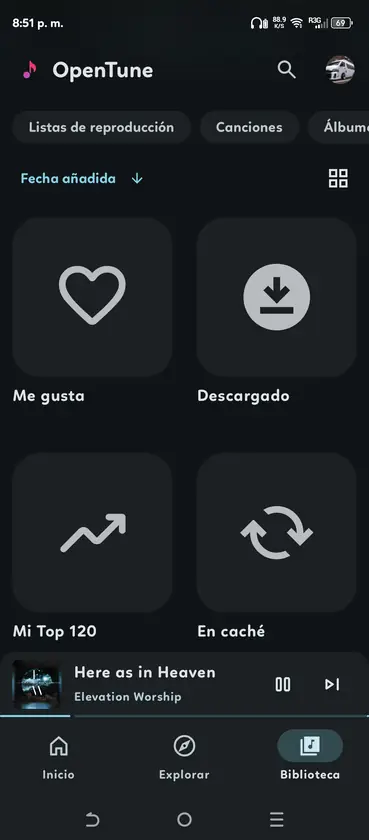
Installation sources
- OpenTune installation documentation - Official project installation methods and safety guidance.
- OpenTune GitHub Releases - Official stable APK assets.
- Android help: install unknown apps - Google guidance about harmful apps and non-Play sources.
How to install OpenTune APK FAQ
Why does Android block the OpenTune APK?
The APK is installed outside Google Play, so Android requires permission for the browser or file manager that opened it. Allow only that named source application.
How do I install an APK on Android with OpenTune?
Download the verified APK, compare its filename and SHA-256, open it from the browser or file manager, allow that source when Android asks, and confirm the OpenTune package in the system installer.
Can OpenTune 3.0.6 install on Android 7?
No. The current source requires Android API 26, which is Android 8.0 or later.
Will updating OpenTune delete my data?
A normal update over the same signed package should preserve data, but back up important settings and local content before a major update. Uninstalling is more likely to remove local data.
What should I do if App not installed appears?
Check Android version, free storage, download completeness and signature conflicts. Redownload from the official GitHub Release before changing security settings.