
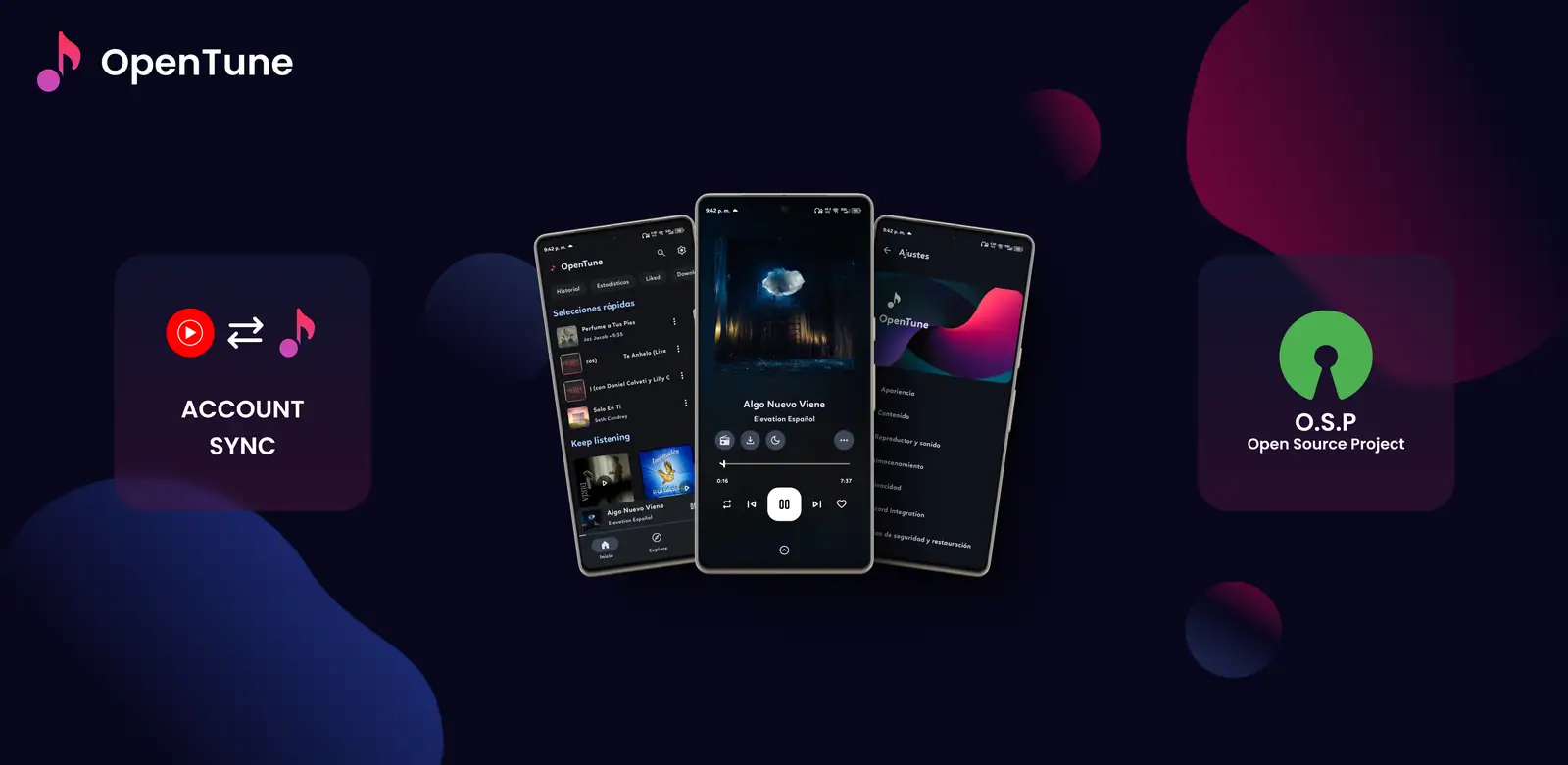
Is OpenTune officially supported on Android TV?
The strongest evidence is the upstream application configuration. OpenTune 3.0.6 targets normal Android devices and requires Android 8.0 or newer, but its manifest exposes a standard mobile launcher category. It does not declare CATEGORY_LEANBACK_LAUNCHER, the television hardware feature, a TV banner or a dedicated TV activity. The repository also contains no television-specific resource directory.
That distinction matters because an APK installing successfully does not prove the application was designed for a television. Android TV can run some mobile apps, yet launchers may hide them and focus navigation can fail when every action was built for touch. OpenTune documents Android Auto support separately, while no equivalent Android TV feature or support statement appears in the current release notes.
- Verified release: OpenTune 3.0.6, published August 2, 2026
- Minimum platform: Android 8.0 / API 26
- Standard mobile launcher is present
- Leanback launcher, TV banner and television feature declarations are absent
| Check | Official evidence | What it means |
|---|---|---|
| APK format | Universal Android APK | The package may install on compatible Android-based hardware |
| TV launcher | No Leanback launcher category | The app may not appear on the television home screen |
| Remote focus | No TV-specific interface declared | Directional-pad navigation is not guaranteed |
| Official status | No Android TV support statement | Use only as an unsupported test |
How to test the OpenTune APK on Android TV
Only attempt a test on hardware you control, and keep another music option available. Download the stable APK from the Arturo254/OpenTune GitHub release on a computer or trusted browser, verify the filename and size, then transfer it with a local file-sharing method or a trusted file manager. Do not use an APK mirror that changes the package name or signs a modified build.
After installation, OpenTune may not create a visible tile because it lacks the Leanback launcher category. A sideload launcher can sometimes expose mobile applications, but that does not add TV navigation support. If the first screen cannot be focused, scrolled or dismissed with the remote, stop the test rather than pairing unknown accessibility or mouse-emulation tools.
- Confirm Android TV or Google TV 8.0+
The current minimum is API 26; manufacturer restrictions can still block sideloading.
- Download the verified GitHub APK
Use app-universal-release.apk from release 3.0.6 and compare the published file details.
- Install through a trusted local method
Grant unknown-app permission only to the file manager used for the transfer, then revoke it.
- Test launch, focus and playback
Confirm essential actions work with the directional pad, Back, Play/Pause and volume controls.
Remote control, focus and screen-layout limitations
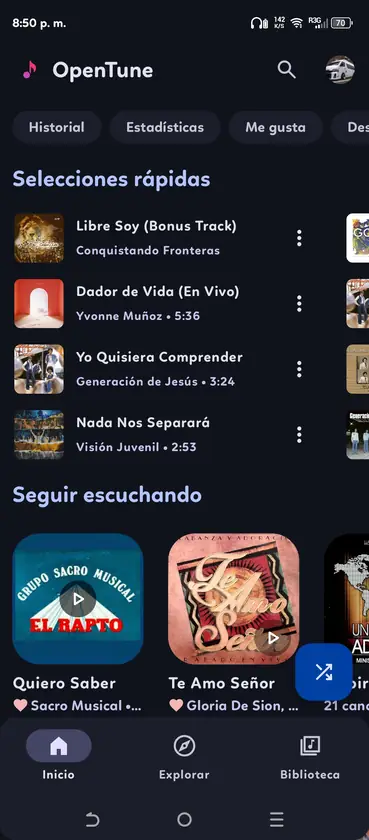
A television app should expose a predictable focus order, visible focus states, large targets and a layout that remains usable from across the room. OpenTune is designed around phone gestures, bottom navigation, compact icons, dialogs and vertically scrolling screens. Some controls may respond to a Bluetooth mouse or touch-enabled remote, but requiring those accessories is evidence that the app is not TV-native.
Landscape rendering is another checkpoint. A mobile interface may stretch, leave large empty areas or open dialogs outside the comfortable viewing zone. Text can be legible while controls remain unreachable. Test Search, Library, player controls, queue management, settings and the Android Back action before relying on the app for daily television listening.
- Look for a visible focus state on every interactive control
- Verify Back never traps a dialog or exits unexpectedly
- Check that the on-screen keyboard works with the remote
- Avoid entering credentials when focus behavior is uncertain
- Uninstall if persistent mouse emulation or accessibility privileges are required
Playback, account and offline checks
If navigation works, test playback in small stages. Start without signing in, search for a public track, open the player, pause, resume and skip with the remote, then return to the library. Next, put the app in the background and confirm audio does not stop when the TV launcher regains focus. Device firmware can handle background services differently from a phone.
OpenTune supports downloads on Android, but storage permissions, free space and file locations vary on television hardware. A successful phone download does not guarantee the same behavior on a TV. Test one small item and confirm it survives an app restart before downloading a large library. Never clear app data until playlists or settings that matter have been backed up.
| Test | Pass condition | Stop condition |
|---|---|---|
| Basic playback | Remote can play, pause, skip and go back | Controls are unreachable or focus disappears |
| Background audio | Playback continues after returning home | Audio stops whenever focus changes |
| Account | Login and consent controls are fully navigable | Keyboard or consent buttons cannot be focused |
| Offline | A small download plays after restart | Storage path or downloaded item cannot be opened |
When a TV-native YouTube Music option is better
Choose a television-native application when you need couch-friendly search, predictable remote focus, voice input, stable background playback or family use. The official YouTube application provides YouTube Music access on many Android TV and Google TV devices, although features and subscription behavior differ from the phone app. Other open-source clients should be judged by their own TV declarations, release activity and source transparency.
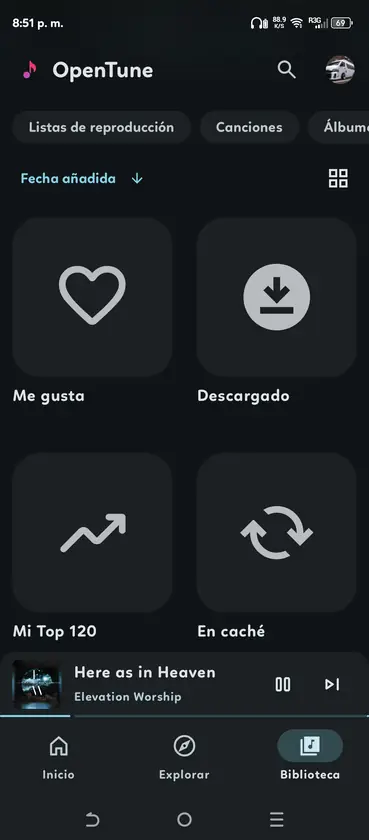
OpenTune remains a stronger fit on a phone or tablet, where its touch interface, downloads, lyrics, library tools and Android Auto integration match the supported environment. If you want television audio, casting from a supported phone app or using a TV-native client is usually safer than forcing a mobile APK to behave like a Leanback application.
- Use OpenTune on Android phones and tablets for its intended touch workflow
- Use Android Auto for the officially declared in-car media experience
- Prefer casting or a TV-native client for living-room playback
- Recheck the upstream manifest and releases before assuming future TV support
OpenTune Android TV verdict
OpenTune 3.0.6 is a verified Android music APK, but it is not currently a verified Android TV application. Sideloading may prove that the package starts on a particular television; it cannot prove reliable remote navigation, TV layout support or upstream support. Keep the test reversible, use the official APK only and choose a TV-native option if any essential control fails.
- Best for Android phones, tablets and the documented Android Auto integration
- Possible experiment: controlled sideload on Android TV 8.0+
- Not guaranteed: launcher visibility, D-pad focus, account flow, offline storage or background playback
- Do not depend on OpenTune as the only television music player
Official sources checked
- OpenTune AndroidManifest.xml - Shows the mobile launcher categories and absence of a Leanback launcher declaration.
- OpenTune app build configuration - Confirms version 3.0.6 and minimum Android API 26.
- Android TV app quality guidance - Defines television navigation, focus, layout and controller expectations.
OpenTune Android TV FAQ
Can I install OpenTune on Android TV?
The universal APK may install on some Android TV or Google TV devices running Android 8.0 or newer, but installation is an unsupported compatibility test rather than official TV support.
Why does OpenTune not appear on the TV home screen?
The current manifest does not declare the Leanback launcher category used by TV launchers. A sideload launcher may expose it, but that does not make the interface remote-friendly.
Is there an official OpenTune Android TV APK?
No separate TV build is published in the official 3.0.6 release. The verified asset is the same universal Android APK used on phones and tablets.
Will an Android TV remote control OpenTune?
Basic media keys may work, but every screen and dialog must be tested. Directional focus, the keyboard and touch-oriented controls are not guaranteed.
What is the safer way to use music on a television?
Use a TV-native application or cast from a supported phone app. Keep OpenTune on a phone or tablet unless a controlled test confirms every essential TV action.