
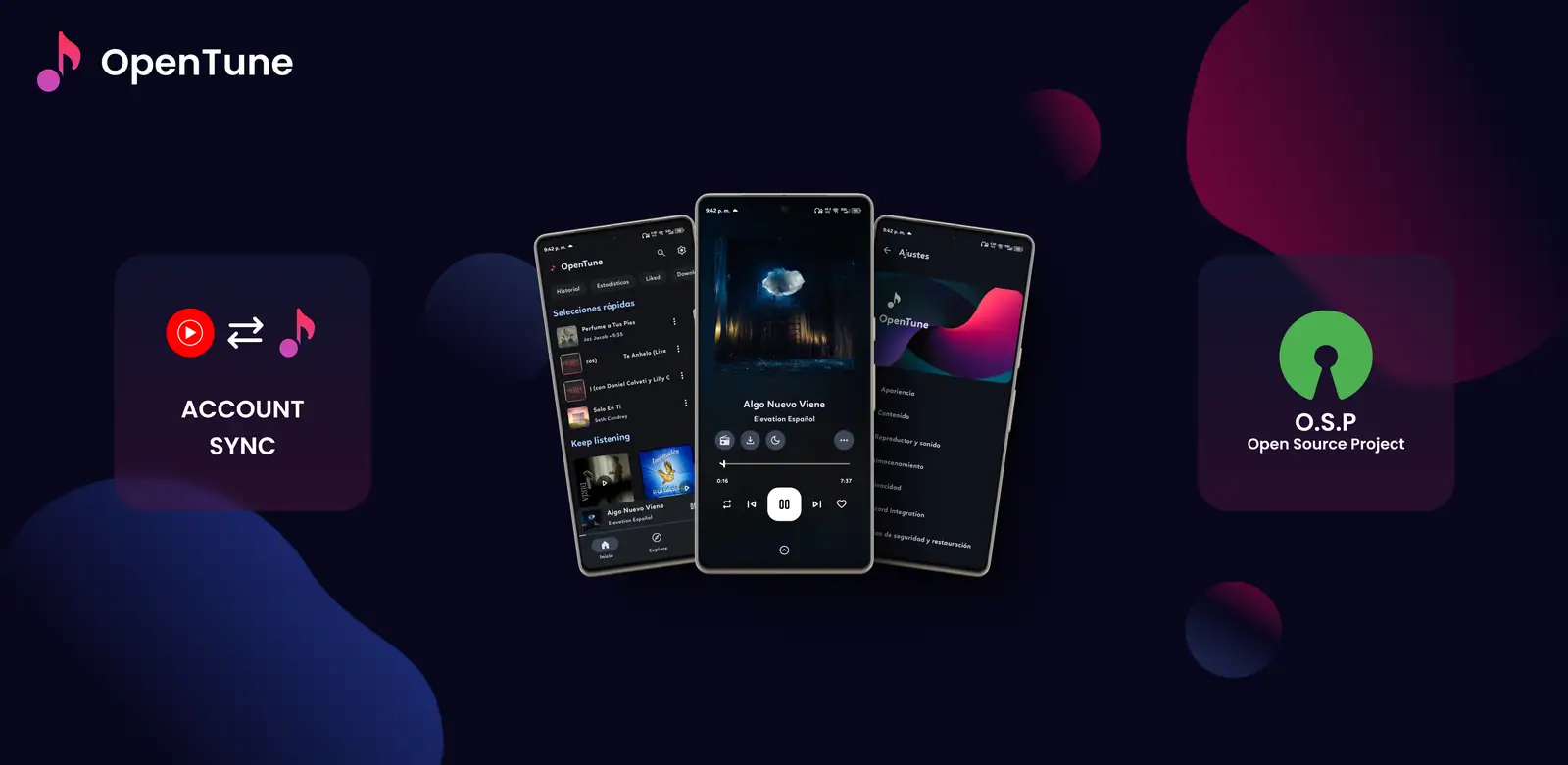
Is OpenTune available as a web app?
No current official release provides a browser build, progressive web app or hosted player. The Arturo254/OpenTune repository publishes Android source code and a universal APK. Its latest stable release remains version 3.0.6, published on August 2, 2026, with one Android package named app-universal-release.apk.
The similarly named Arturo254/OpenTune-Web repository is useful evidence because its own description identifies it as the official OpenTune website. A website can explain features, link to releases and document the project without containing the playback engine, account storage or offline database of the Android app. Treat “official website” and “web version” as different products.
- Official app format: Android APK
- Current stable release: OpenTune 3.0.6
- Official website project: OpenTune-Web
- Verified browser player or PWA: none in the current upstream release
| Surface | What it provides | Can it play your OpenTune library? |
|---|---|---|
| OpenTune-Web | Project information and official links | No |
| OpenTune Android APK | Search, playback, library, lyrics and downloads on Android | Yes, on a supported Android environment |
| GitHub Releases | Version records and APK assets | No |
| Unrelated web service with a similar name | A separate product or site | Do not assume compatibility or ownership |
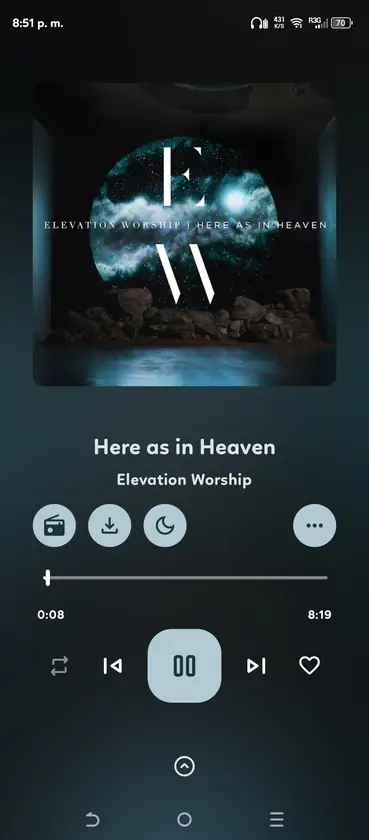
Why the OpenTune APK cannot run directly in a browser
An APK is an Android installation package. It contains Android application code, resources and manifest declarations that Android's package manager understands. A normal desktop browser cannot install that package as a website, and renaming the file or dragging it into a browser tab does not convert it into JavaScript or WebAssembly.
Some websites advertise cloud Android emulation or ask users to upload an APK. That creates a separate trust problem: the service can receive the file, app data, sign-in details and network traffic. OpenTune users should not provide credentials, cookies or private playlists to an unknown emulator merely to imitate a web version.
- Chrome, Edge, Firefox and Safari do not natively execute APK packages
- Browser extensions cannot safely transform the current release into an official web build
- A cloud emulator is a third-party computer, not an OpenTune feature
- Installing a random EXE that claims to be OpenTune Web adds another unverified publisher
Practical options for desktop, Chromebook and browser-only users
Choose the option by the device you control and the reason you searched for OpenTune Web. If you only need music in a browser, use a first-party web music service whose account and licensing model you understand. If you specifically need OpenTune features, use the APK on Android or follow the site's PC and Linux guides for the limitations of Android emulation.
Chromebooks are a special case. Some models can install Android applications through Google Play, but policy, hardware and account settings vary. If Android app support is present, install only from the verified OpenTune GitHub asset and test storage, background playback and media keys. If Android support is absent, the official website still cannot replace the app.
- Browser-only listening
Use a recognized web music service and keep it separate from OpenTune. Do not expect OpenTune settings, downloads or library data to transfer.
- Windows or macOS
Read the PC guide before using a trusted Android emulator. There is no native OpenTune desktop installer.
- Linux
Review Waydroid requirements and limitations. A container can run an Android app but does not create a browser version.
- Chromebook
Check whether the device officially supports Android apps. If it does, install the verified APK rather than using an upload-based web emulator.
How to check an OpenTune website or download claim
The name OpenTune is used by unrelated radio, audio, tuning and music products. Search results may also show old projects, app catalog pages and third-party wrappers. Verify the owner and package before trusting any claim that a site is the new OpenTune online player.
For the Android music client covered by this wiki, the canonical repository owner is Arturo254, the package is com.Arturo254.opentune, and stable APK files are attached to that repository's Releases. A different owner, package, signing identity or account system should be treated as a different product unless the upstream project explicitly announces it.
- Confirm the GitHub owner is Arturo254
- Confirm the repository is OpenTune or OpenTune-Web
- Expect the current install file to end in .apk
- Do not enter an OpenTune or Google account into an unverified clone
- Check official release notes before believing a future web-launch claim
OpenTune Web verdict
OpenTune Web is best understood as a search for browser availability, not as the name of a released player. As of July 30, 2026, the official OpenTune website provides project information and links, while the functional music client remains an Android APK. The safest answer is therefore simple: use the official website to verify the project, use the official GitHub Release to obtain the APK, and choose a separate trusted service when you need playback that works entirely in a browser.
This status can change if the upstream project publishes a real web application. A genuine launch should appear in the Arturo254 repositories or release notes and should explain hosting, account handling, supported features and how it relates to the Android package. Until then, claims of an OpenTune browser player need independent verification.
- Official information website: yes
- Official browser music player: no verified current release
- Official Android APK: yes, version 3.0.6
- Best browser-only choice: a separate trusted web music service
- Recheck upstream repositories before relying on future compatibility claims
Official sources checked
- Arturo254/OpenTune - Canonical Android application source repository.
- Arturo254/OpenTune-Web - Official informational website project, separate from the Android player.
- OpenTune Releases - Stable APK assets and release notes.
OpenTune Web FAQ
Is there an official OpenTune web player?
No verified current release provides a hosted browser player or PWA. The official OpenTune-Web project is an information website, while the working client is the Android APK.
Can I open the OpenTune APK in Chrome or Edge?
No. A normal desktop browser cannot execute an Android APK. Use a supported Android device or a trusted Android environment after reviewing its limitations.
Does the OpenTune website sync my library?
No. The informational website does not expose the Android app's library, downloads, settings or account storage.
Can a Chromebook run OpenTune?
Some Chromebooks support Android apps. Check the device's official Android-app support, then use the verified GitHub APK only if local policy permits it. A Chromebook without Android support does not gain OpenTune through the website.
How will I know if an official web version launches later?
Look for an announcement, source repository or release notes under Arturo254. Verify the owner, hosting, account model and feature list before signing in or uploading data.